AI can generate content. But what happens when it can actually work with the newsroom?
That is where the Model Context Protocol (MCP) comes in.
As AI moves from generating content to supporting real workflows, one thing becomes increasingly important: connection.
An AI assistant can be remarkably capable, but without access to the right information and systems, it is still working in isolation. It may be able to write a social post, but it doesn’t necessarily know the broader context. It can’t suggest the archive content, and although it can draft a notification, it can’t send it to your team.
MCP changes that.
For Octopus Newsroom, MCP provides a standardized way for AI agents to interact with the newsroom and the systems connected to it, helping turn AI from something that simply responds to journalists into something that can support the work around the story.


What is MCP?
MCP stands for Model Context Protocol.
At its simplest, MCP is an open standard that allows AI applications to connect to external systems, information, and tools in a structured way. Think of it as a common language between AI agents and the applications it needs to work with. Without a common protocol, every application would need a separate, custom connection to every system it wants to interact with.
With MCP, compatible AI agents and systems can communicate through a standardized approach. That distinction becomes particularly important in a newsroom, since a newsroom isn’t a single application. It is an ecosystem.
Stories, scripts, rundowns, assignments, wires, contacts, and publishing workflows live in the NRCS. Media assets & metadata sit in MAM and archive systems. Graphics, automation, resource management, and planning tools all contribute to the production process.
And increasingly, AI needs to work across that ecosystem.
Why Does AI Need Access to the Newsroom?
Consider a journalist working on a developing story.
They might want to:
- Find previous coverage of the same topic
- Search the archive for relevant clips
- Create a story from an incoming newswire
- Prepare content for social media
- Notify colleagues about a development
- Move information between different systems
An AI assistant could help with many of these tasks. But to do so effectively, it needs more than the ability to generate content. It needs access to the right context and information.
For example, a journalist could ask an AI tool:
“Write a social media post about this story.”
The AI can generate the post – but unless it has access to the newsroom, the journalist may first need to provide the story content, background information, or other relevant context.
With access to newsroom systems, the AI can work with the information already available. It can understand which story the journalist is referring to, retrieve relevant information or archive content, and use that context to support the next step in the workflow.
MCP provides the connection that makes this possible.
How Does MCP Work in Octopus?
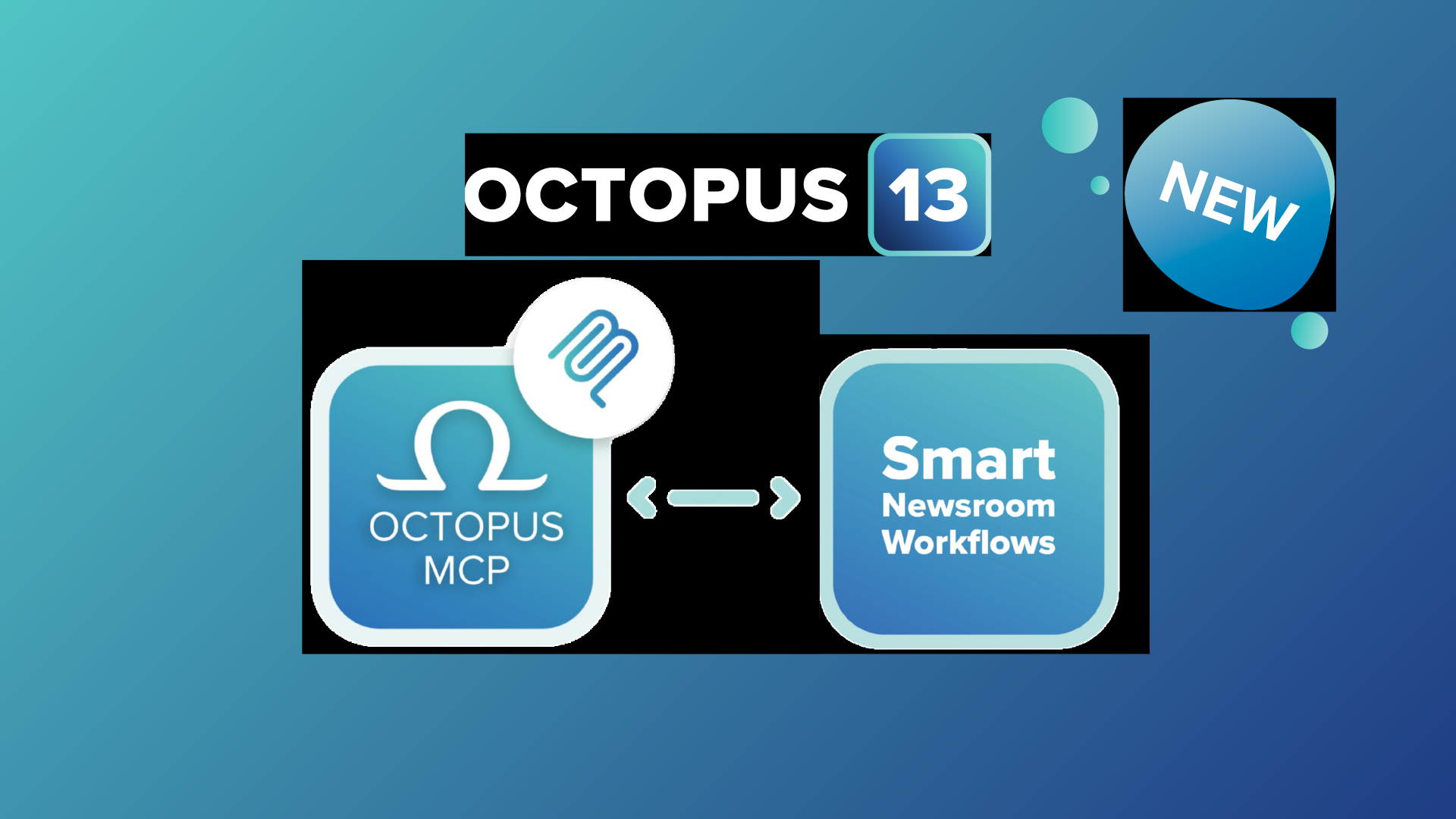
In Octopus 13, MCP sits between the newsroom ecosystem and the intelligent agents and applications that can work with it. At the center is the Octopus MCP server.
It connects with Octopus NRCS and the wider newsroom ecosystem. Then, it connects with Smart Newsroom Workflows, where users, AI agents, and AI applications can interact with the information and capabilities available through the connected environment.
This creates a bridge between the newsroom and AI.
1. The newsroom provides the context
Octopus contains the information journalists and production teams work with every day: Stories. Assignments. Scripts. Rundowns. Wires. Contacts. Publishing. These are not isolated pieces of information. They are connected parts of the editorial workflow.
2. Connected systems extend that context
Modern newsrooms also depend on a wide range of integrated technologies. MAM systems. Graphics. Resource management. Planning tools. And other newsroom technologies all contribute to the bigger production ecosystem. MCP provides a standardized way for AI-powered workflows to interact with this connected environment.
3. AI agents can use that context
This is where things get interesting. Instead of simply generating an answer, an AI agent can use available tools and information to support a workflow. For example, an agent could help find relevant archive clips, create a story from a newswire ingest, prepare a social post, or notify editors about new content.
4. The workflow keeps moving
The goal isn’t to make journalists interact with another complicated technology layer. Quite the opposite. MCP helps make AI part of the existing workflow. The journalist remains focused on the story, while AI can assist with the repetitive or time-consuming tasks happening around it. And that’s where Agentic Workflows come in.
From Connection to Action
Traditional AI assistance often looks something like this:
You ask → AI responds.
But when AI can access the right context, information, and tools, another possibility emerges:
You ask → AI understands the context → AI accesses the right information → AI performs or supports actions → you stay in control.
That shift, from simply generating an answer to supporting a workflow, is at the heart of the move towards agentic AI. MCP provides the connection. Agentic workflows put that connection to work.
In our next article, we’ll explore what that means in practice and how connected AI workflows could support journalists and production teams in their everyday work. Stay tuned.
See MCP in Action
At IBC2026, we will demonstrate how MCP connects Octopus 13 with AI agents and applications, and how those connections can enable smarter newsroom workflows.
Visit us at booth 6.C12 to discover what happens when AI gets connected to the newsroom. Book your meeting here.